













How to Change Premier Filters
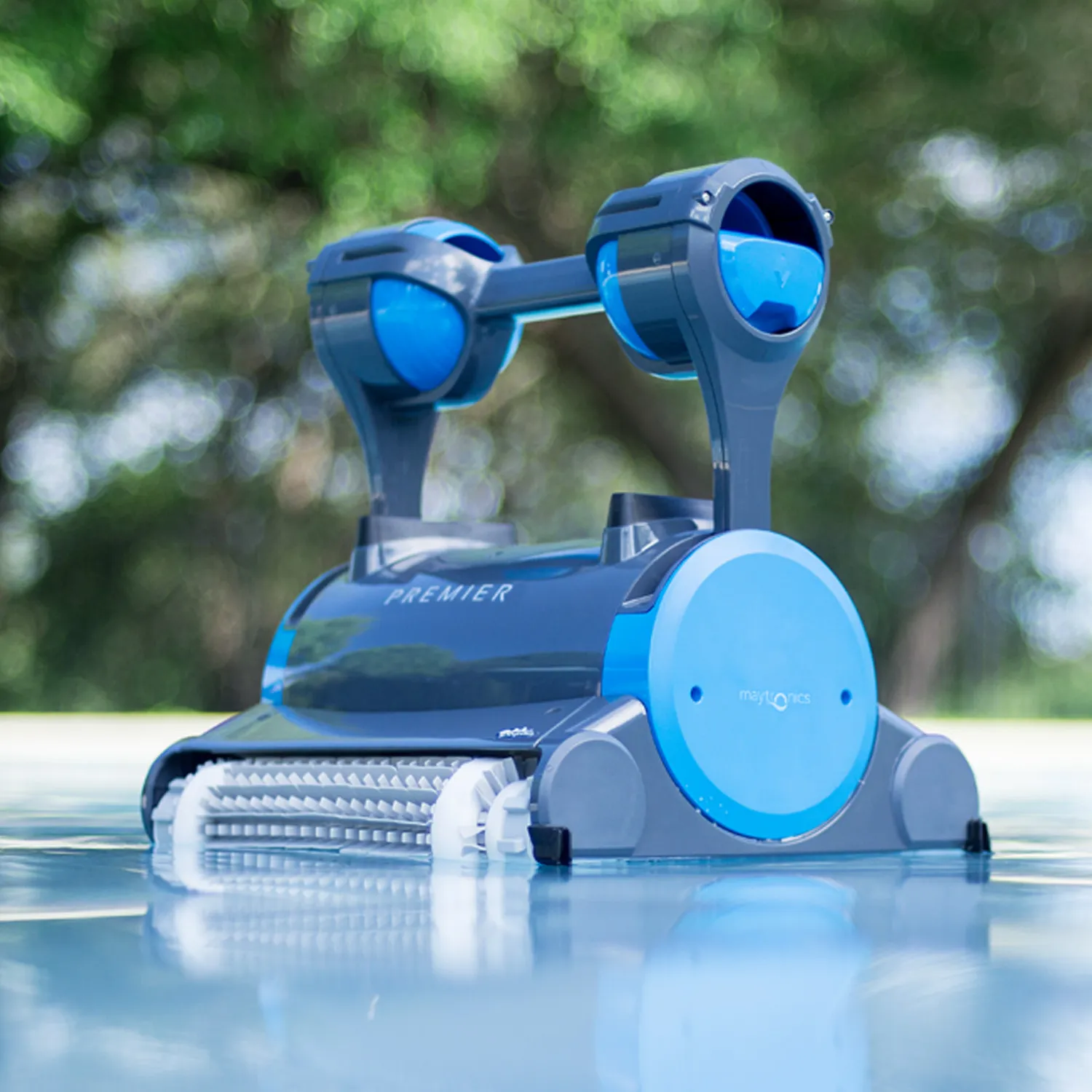
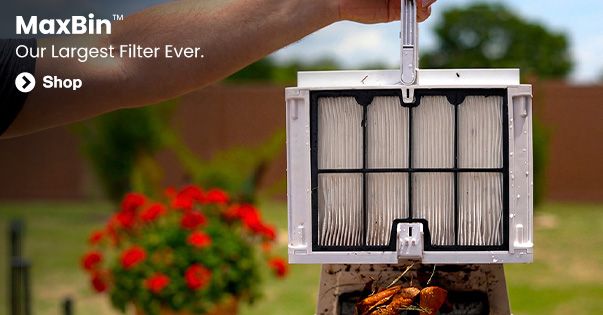
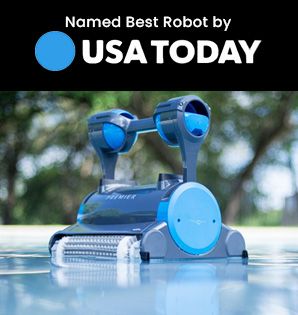
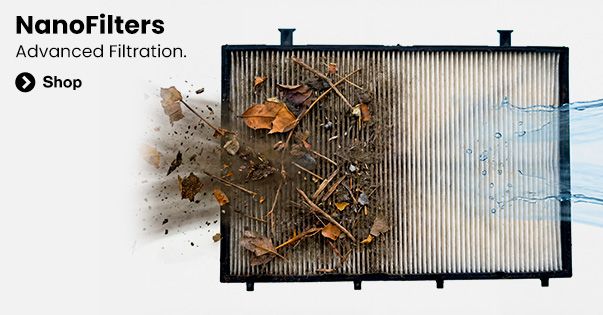
Hey guys! It’s Joshua with Poolbots.com, and today we are looking at how to change the Dolphin Premier’s filters to customize your pool cleaning for maximum efficiency and cleaning power! The first step in switching out your filters is removing the ones that are currently in the robot. To do this, simply tilt the Premier onto its back, unlock the filters by moving these yellow latches in opposite directions, and then pull out the filters. Once they are out, you can either swap the bag filter out for a disposable bag by removing it from its wire, or swap the base entirely for the fine and ultra-fine cartridge base. To do this, you will need to unscrew the two screws attaching the mesh insert inside the Premier and place the new base inside. To swap out these two cartridges, simply unlock the four snaps by moving them in a clockwise direction, slide in the other screens by aligning the three holes at the base of the screen, and snap it back in place! And that’s how you change the Premier’s filters! As always, you can read real reviews and learn more about the Premier and dozens of other robotic pool cleaners at poolbots.com. Visit our website and YouTube to find the best deals, tips, and tricks for pool ownership, and special buys that’ll help you enjoy your pool to its full potential.